App auto-start configuration for TCL TVs
Some TCL branded TVs have an additional layer of security that controls which apps can auto-start. If your TV has this feature you will need to configure it for AbleSign to auto-start correctly.
Get started
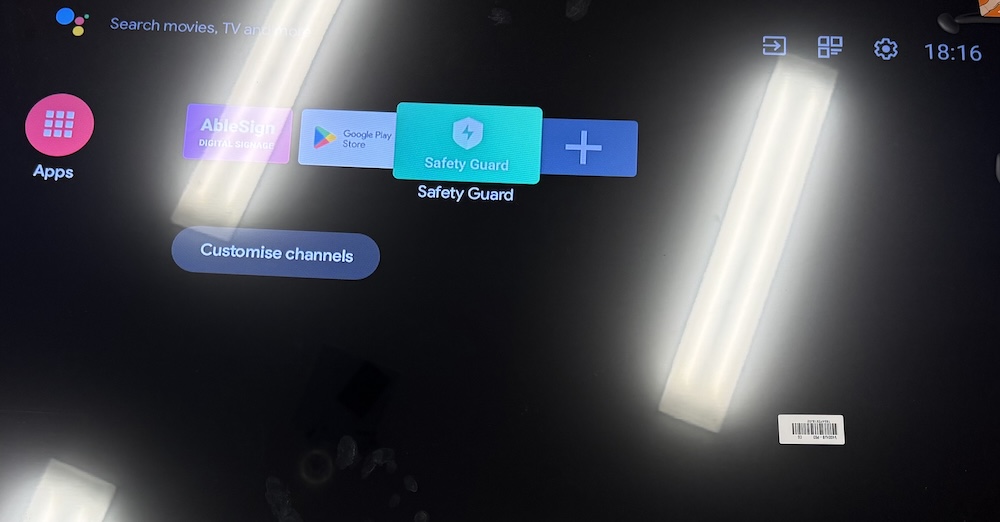
From the home screen select Safety Guard
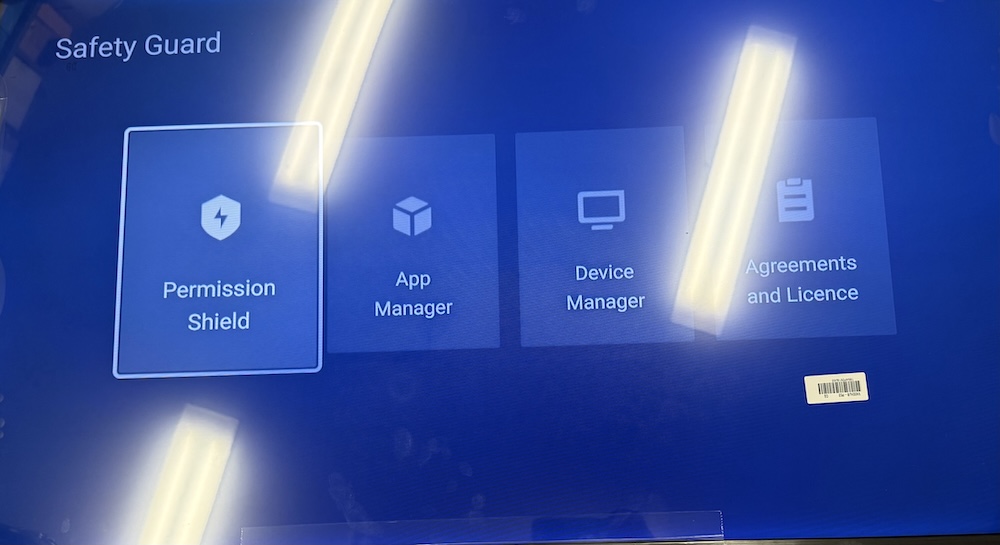
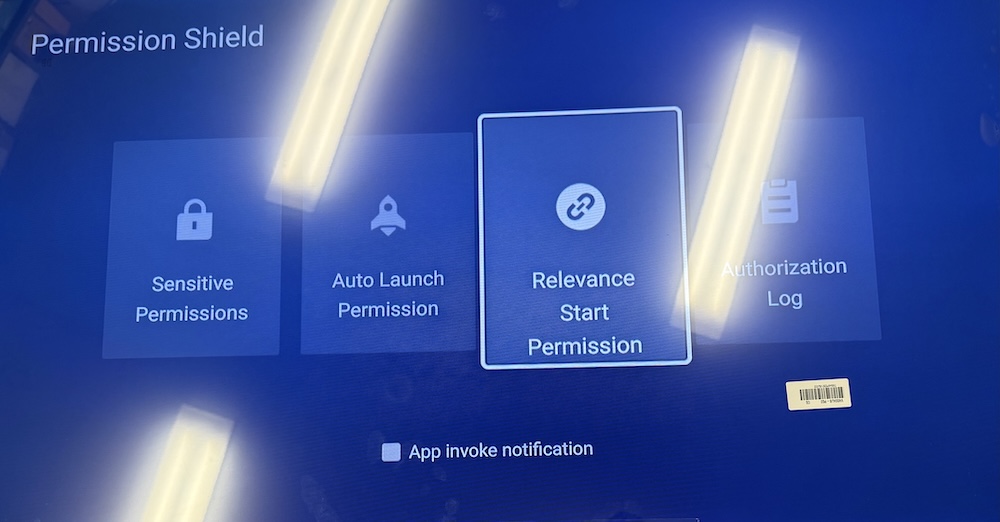
Now select Permission Shield
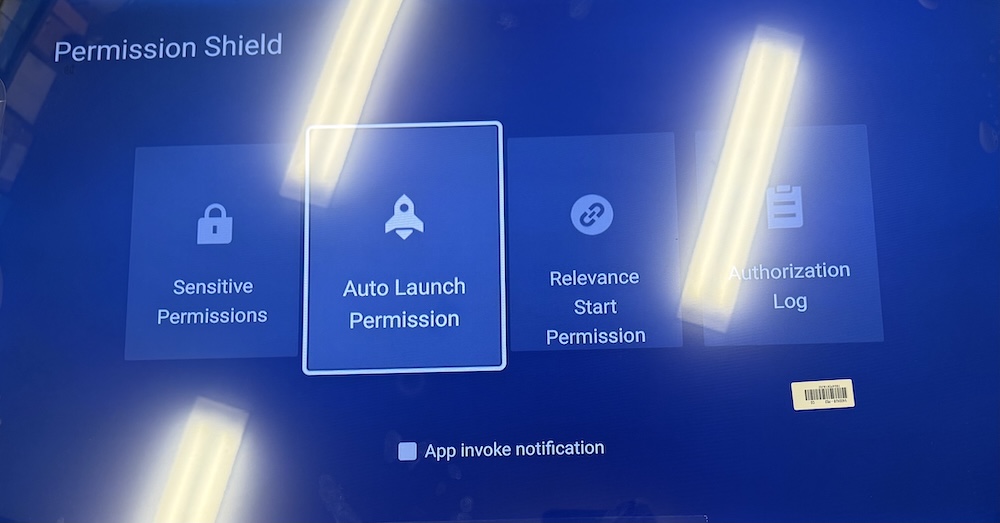
Set the auto launch permission
Now select Auto Launch Permission
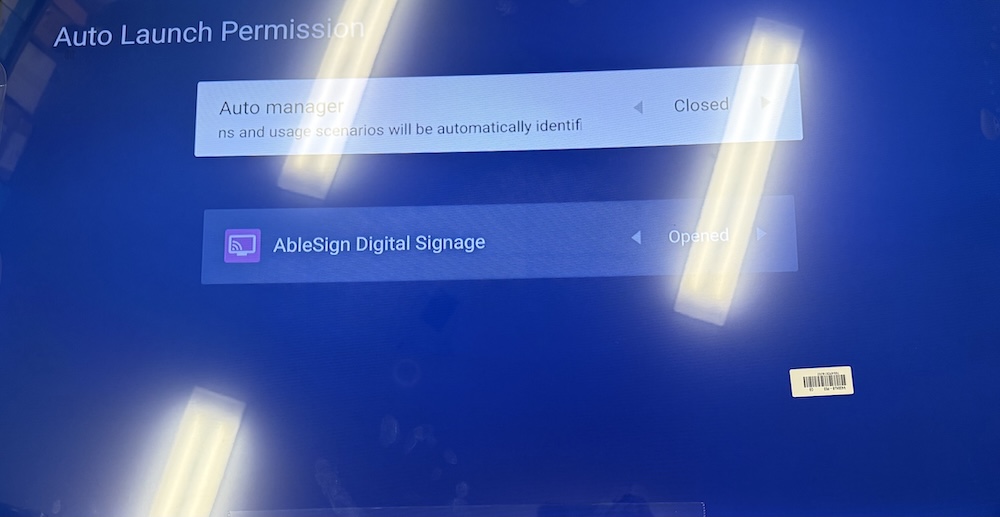
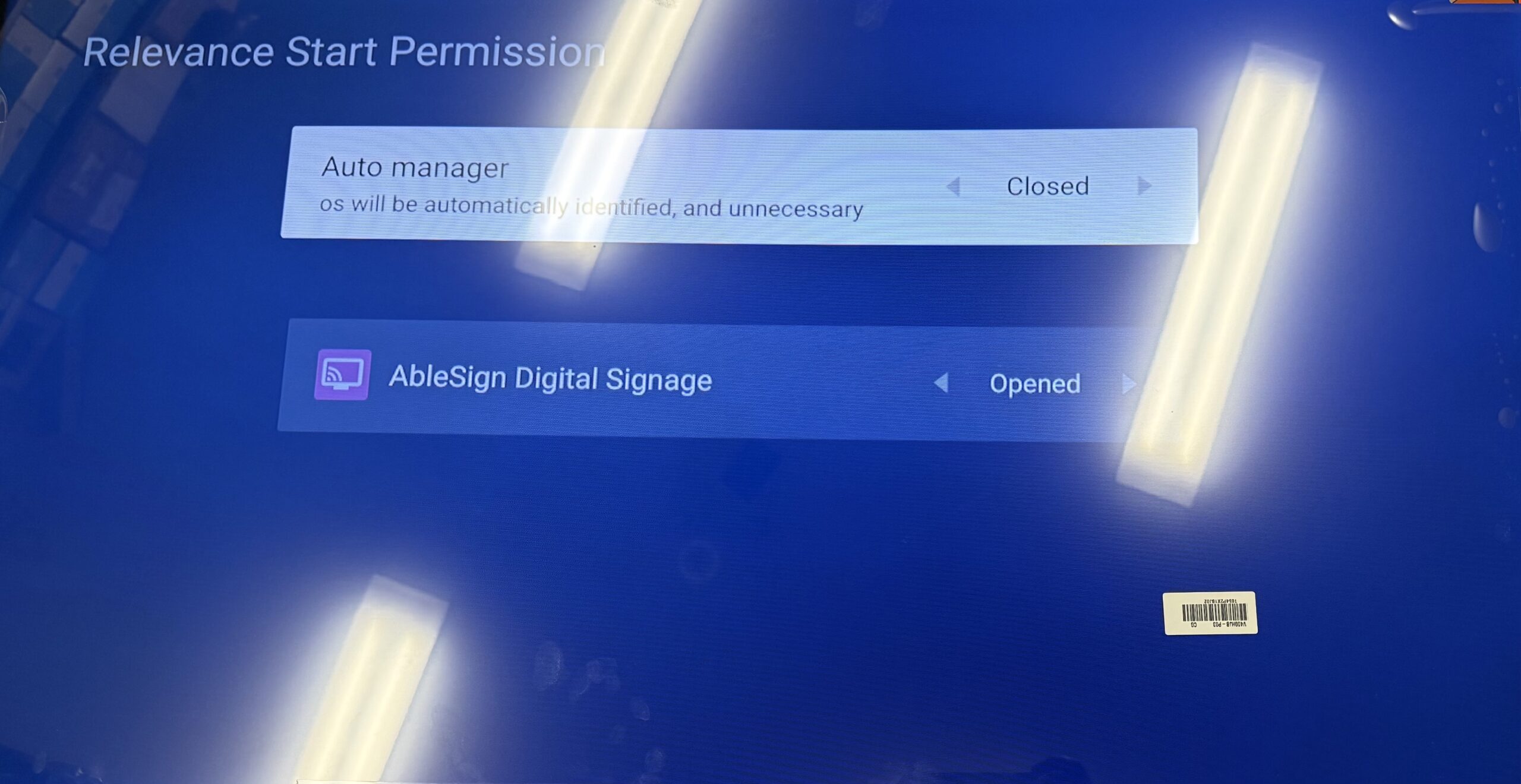
Make sure that Auto Manager is CLOSED and AbleSign Digital Signage is OPENED.
Set the relevance start permission
Now go back and select Relevance Start Permission.
Make sure that Auto Manager is CLOSED and AbleSign Digital Signage is OPENED.
That’s it. AbleSign should now start automatically on your TCL TV.