How to install AbleSign on a Firestick
Amazon Signage Stick
If you have an Amazon Signage Stick please see https://www.ablesign.tv/digital-signage/how-to-setup-an-amazon-signage-stick/
Download the AbleSign app
Please note your fire stick must be running FireOS (AbleSign requires FireOS 6 or later). Some new fire sticks including ‘SELECT’ branded ones do not run FireOS and are not suitable for digital signage.
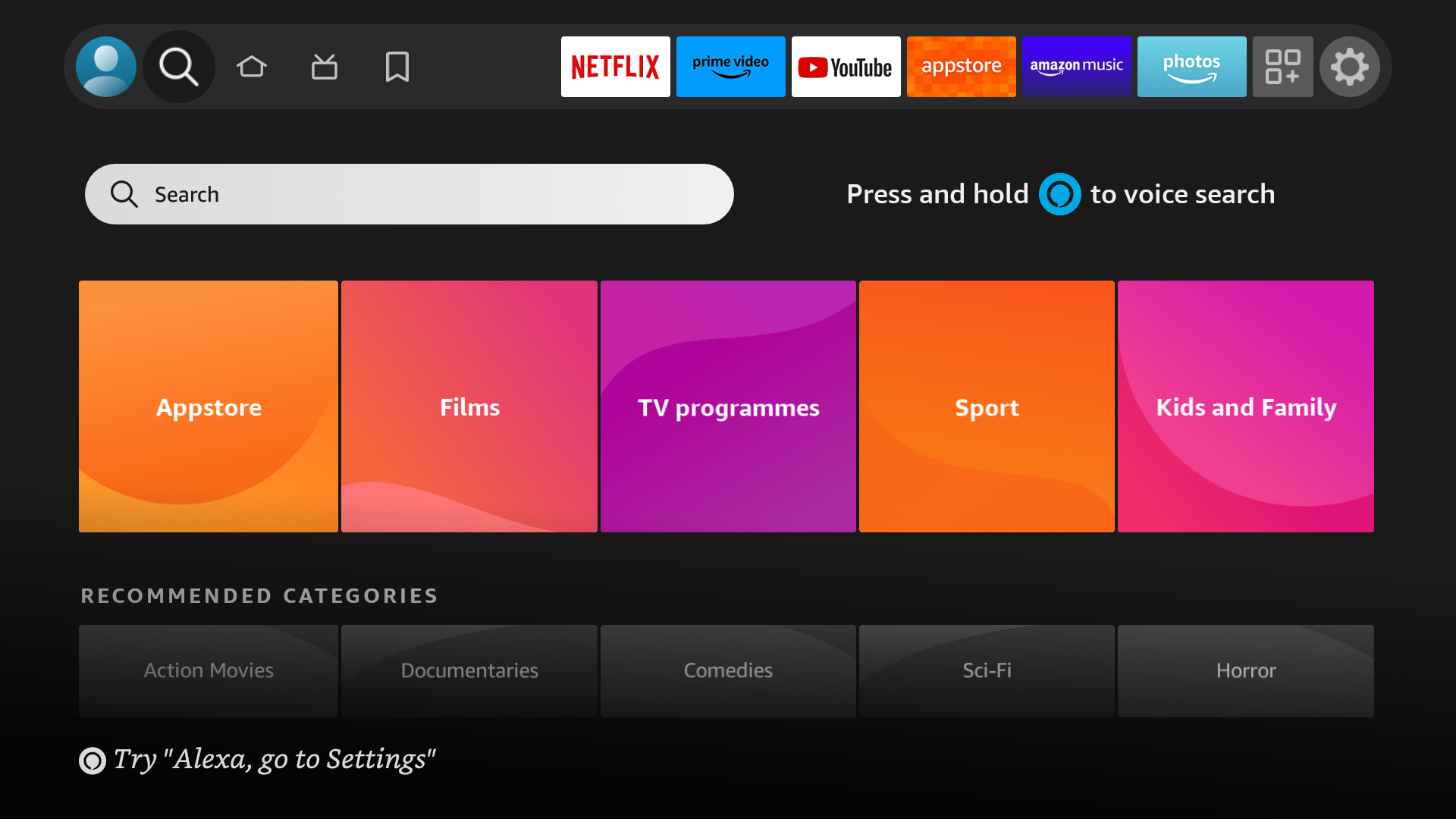
From the home screen on your Firestick, select the search icon.
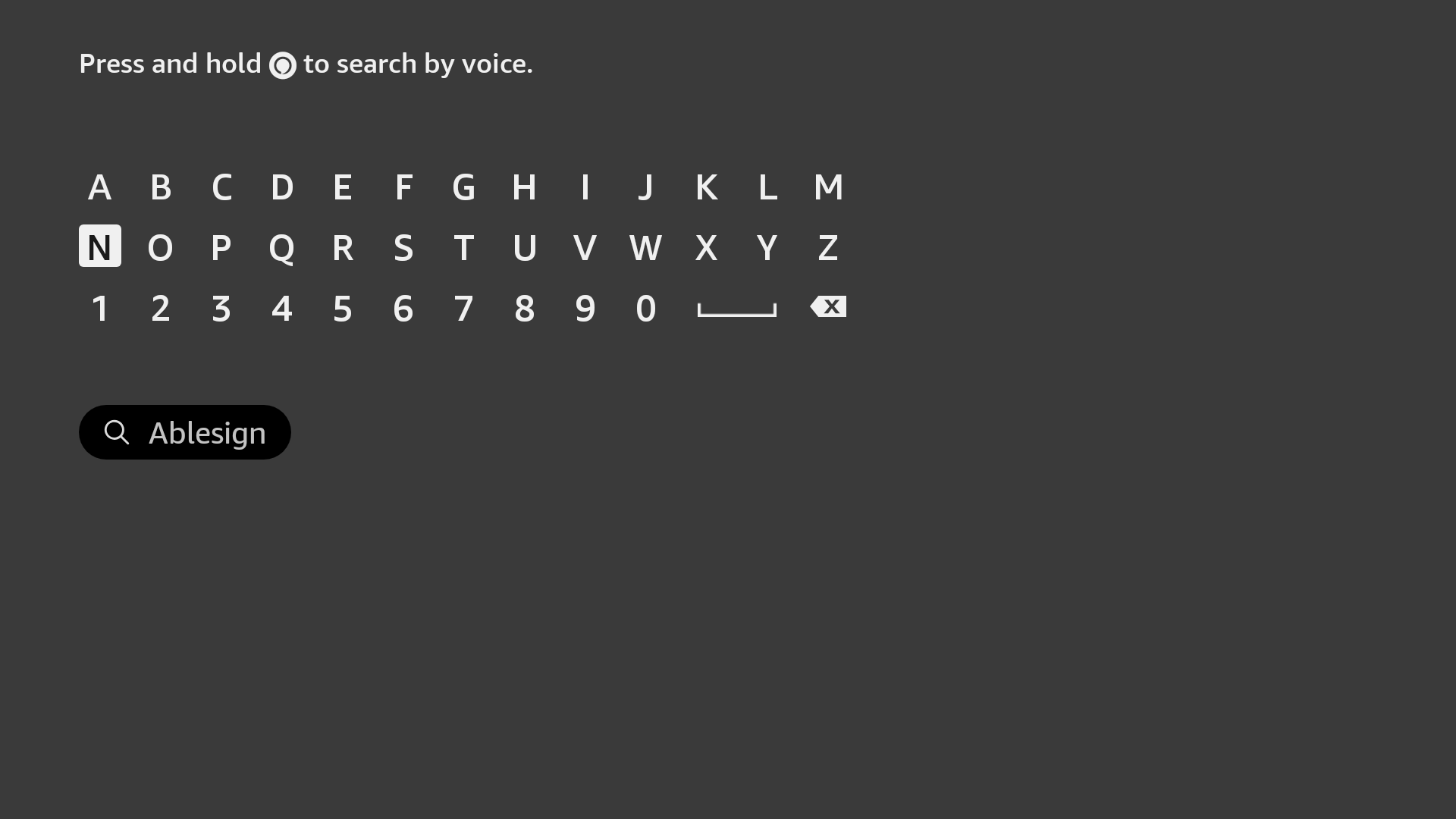
Type ablesign in to the search field.
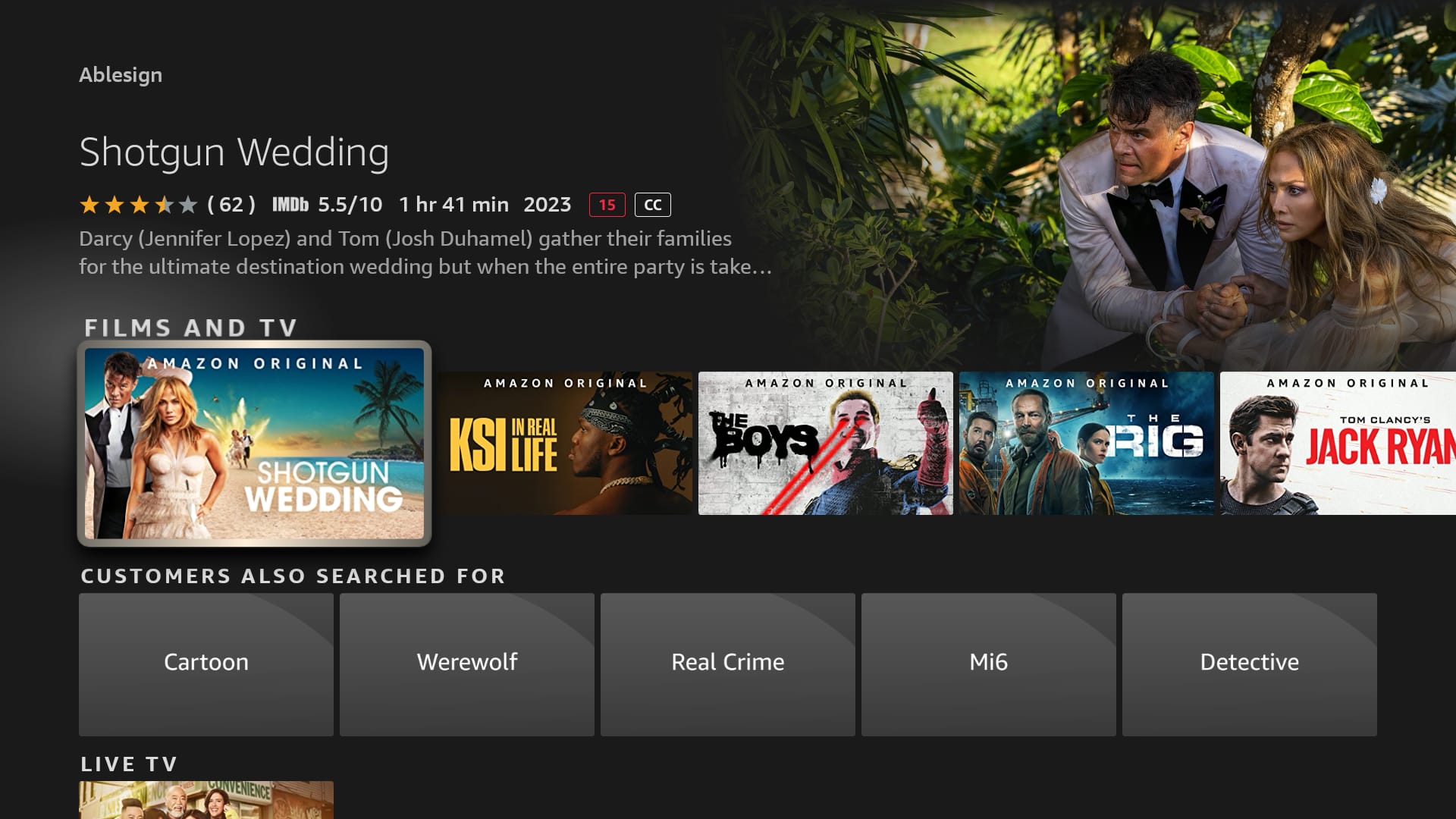
The search results will display Films and TV results first. This is not immediately intuitive, however press the down button to scroll to the Apps & Games section and you will find the AbleSign app.
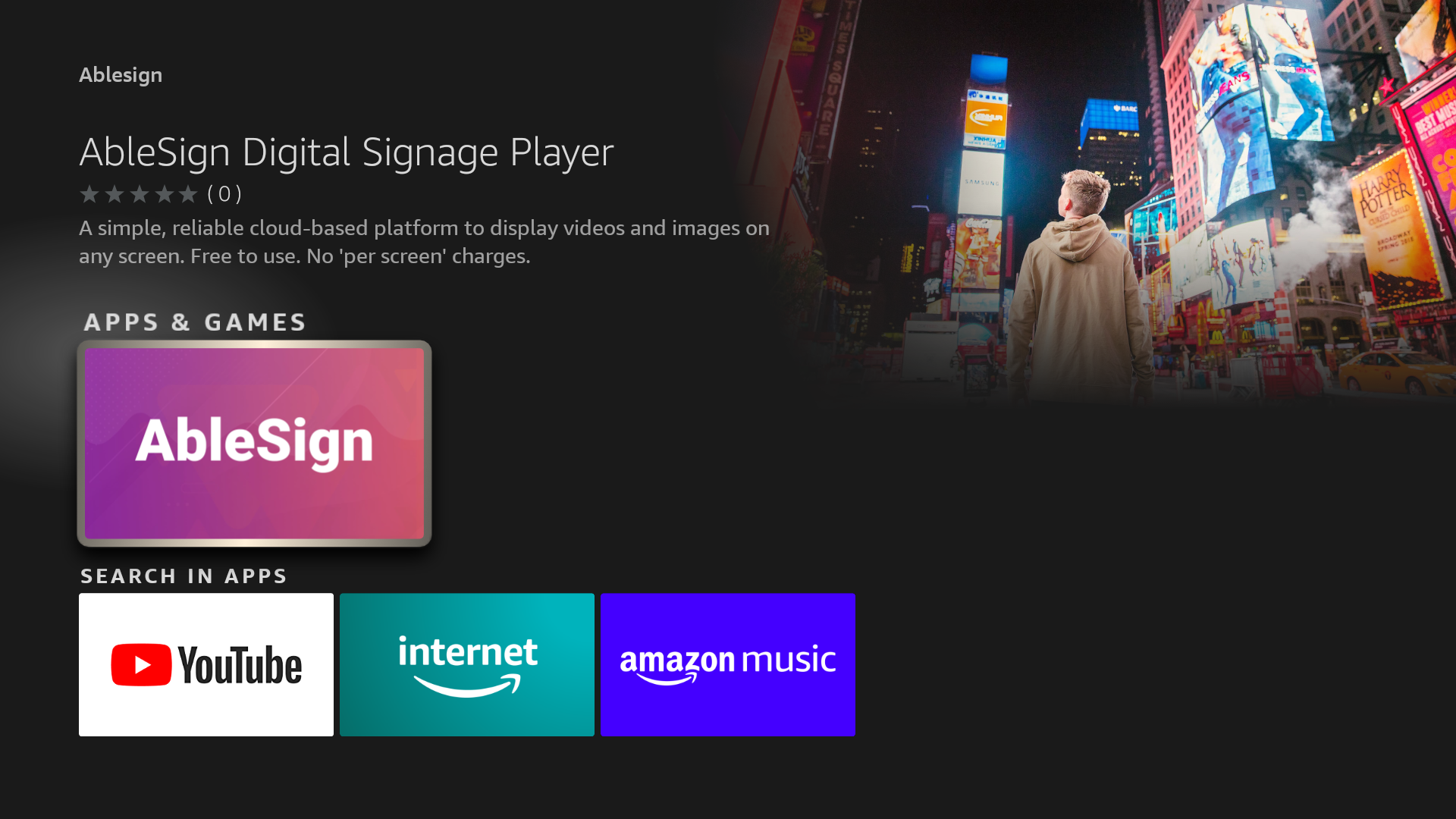
Select the AbleSign app.
Click the Download or Get button.
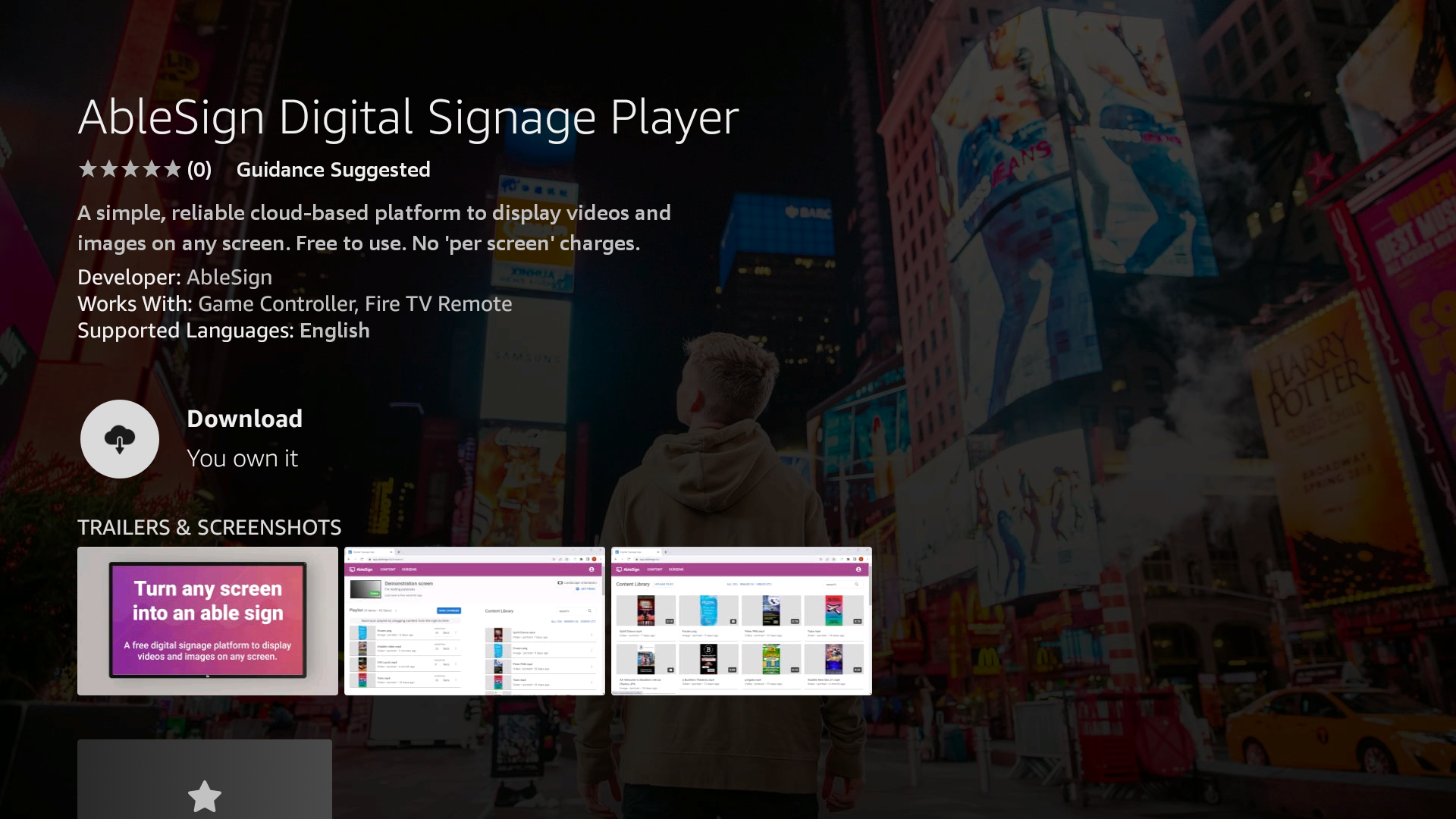
That’s it! AbleSign will be installed on your Firestick.
Next, you’ll pair your screen with your AbleSign account – please see: